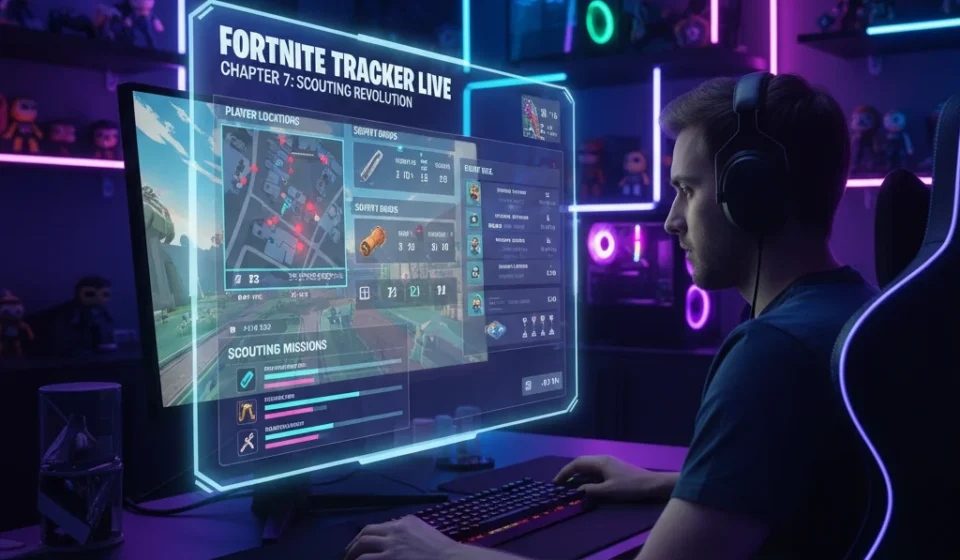

Fortnite Chapter 7 has arrived, and it has thrown the competitive scene into absolute chaos. Players are dealing with a totally redesigned map, shifting weapon pools, and unpredictable movement mechanics. In this high-stakes environment, raw mechanical skill is no longer enough to guarantee a win. You need information. And you need it instantly.
That is where Tracker Network steps in. The popular statistics platform just launched a massive update to its “Fortnite Tracker” live in-game overlay. It is a tool designed specifically to handle the fast-paced scouting demands of the new chapter. Instead of forcing players to search for rival stats on a secondary monitor during a hectic match, the upgraded overlay brings deep-dive analytics directly onto the active screen.
Real-Time Lobby Intelligence
The core of the new update lies in its speed. As soon as you load into a match, the overlay goes to work. It scans the lobby and populates a sleek, unobtrusive panel with critical data about the players sharing your island. You can see their average elimination-to-death ratios, recent placement trends, and overall Power Rankings (PR).
This level of immediate intelligence changes how players approach their matches. If you spot a team landing near your favorite drop spot with a history of aggressive early-game fights, you can adapt. You might choose to loot up safely elsewhere, or prepare for an immediate defensive setup. On the other hand, knowing a nearby team tends to play passively allows you to claim high-value areas with much less fear.
“We wanted to give players professional-grade analysis in real-time, right on their screens,” says Alex Mercer, a product developer familiar with the overlay’s design. “During tournament play, every second matters. You cannot afford to alt-tab to look up who just eliminated your teammate. The overlay does the heavy lifting for you.”
Leveling Up the Scrims
The update is already making waves among professional coaches and analysts. In competitive Fortnite, custom practice matches—known as scrims—are where teams hone their strategies. Coaches traditionally spent hours recording VODs and manually tracking which rival duos landed at specific points of interest.
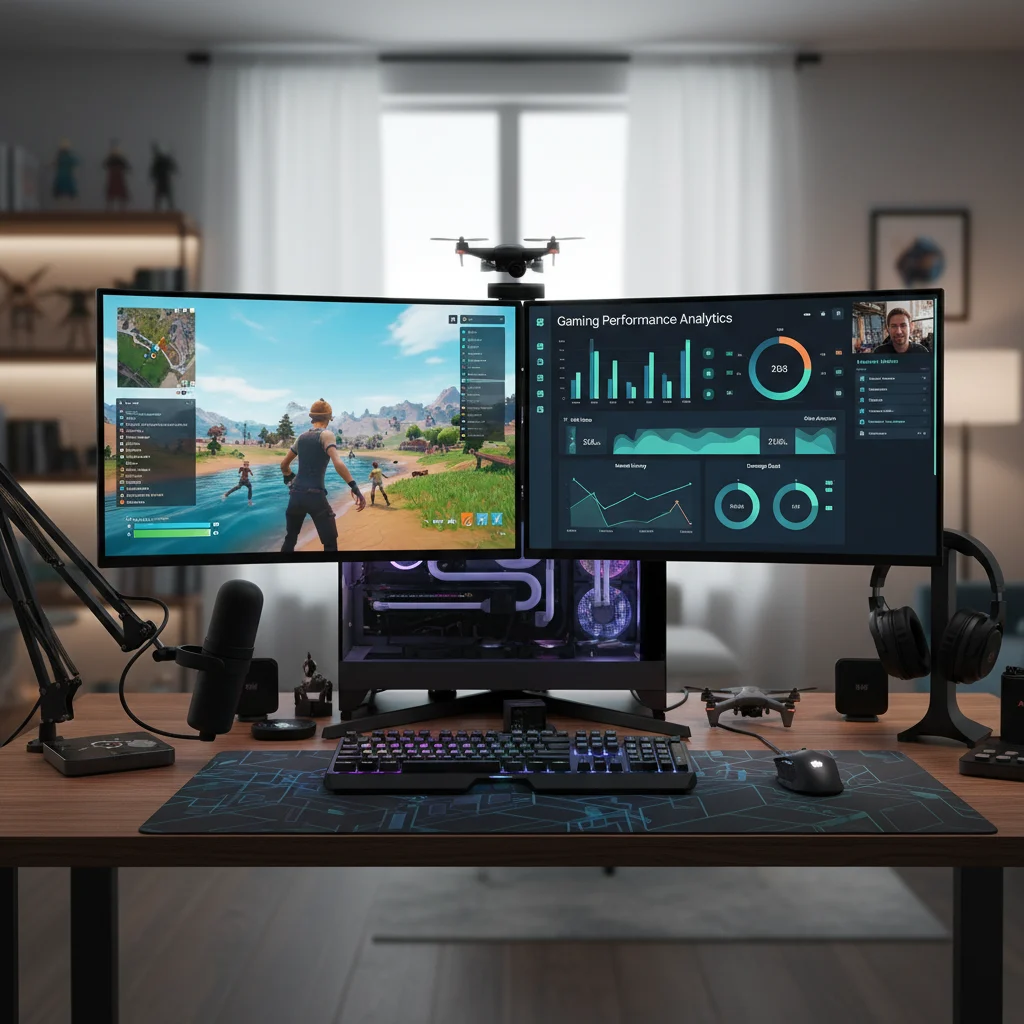
The new overlay simplifies this process. It includes a built-in drop-spot analyzer that records where active players tend to land across multiple matches. Coaches can see heat maps of enemy tendencies without having to pause and manually write down names from the kill feed.
https://fortnitevblucksgenerator.vercel.app/
Marcus “Siren” Vance, a veteran competitive coach, has spent the last week testing the tool during team practices. He believes it bridges a massive gap. “We used to keep three separate spreadsheets open on our screens during cash cups,” Vance says. “It was messy. Now, the overlay tells us who we are fighting before we even trade shots. It has saved us countless hours of manual review.”
Addressing Privacy and Fair Play
Whenever real-time tracking tools become popular, questions about competitive integrity naturally arise. Some players worry that having their stats visible to opponents creates an unfair disadvantage, especially if they prefer to keep a low profile.
Tracker Network has addressed these concerns by sticking strictly to public API guidelines set by Epic Games. The overlay only pulls data from players who have kept their game statistics public. If a player chooses to hide their career stats in the official Fortnite settings menu, the overlay respects that choice, displaying them as anonymous or hidden.
Furthermore, the tool is designed to be fully compliant with anti-cheat software. It operates as a passive observer, reading public match logs without altering any game files or giving players illegal visual aids like wallhacks. It is about strategic knowledge, not mechanical exploitation.
How to Get the Update
The updated Fortnite Tracker overlay is available now through the Overwolf app store. It runs as a lightweight background application that automatically launches alongside the game. Users can customize the opacity, size, and position of the stats window to ensure it does not block vital on-screen elements like the mini-map or health bars.
As Chapter 7 competitive events heat up, data is quickly becoming the ultimate weapon. Those who know how to read the lobby will always have a massive head start over those who rely on aim alone.
